Odoo integration for marketplaces and sales channels
Odoo runs your products, stock and orders. Stockpilot connects it to the channels. Amazon, Kaufland, Zalando, TikTok Shop, Temu and a hundred more. Every order lands in Odoo as a sales order with the data it needs, and your stock stays linked and in sync across every warehouse. You set it up yourself, with settings instead of a consultant.


The full flow, from marketplace to Odoo and back
An order comes in from Amazon, Kaufland or your webshop. Stockpilot creates it in Odoo as a sales order, with the customer and the linked products, so your invoicing, stock and workflows keep running the way you set them up in Odoo. Count or mutate stock in Odoo and every channel follows. Run more than one warehouse and they all stay in step. Big volumes run through Odoo's job queue, so Odoo stays fast.
Trusted by sellers across Europe




One connection, many settings, no consultant
You connect Odoo to Stockpilot yourself. The connector comes with settings for product links, order import, stock sync and warehouses, so you can match it to how your business actually runs. Need a hand? We walk through it with you. After that it runs on its own, and you only look at it when you want to change something.

Frequently asked questions

Odoo 16, 17, 18 and 19, on Odoo.sh or on your own server (on-premise).
You decide: all Amazon orders to Odoo, or only the orders you ship yourself. Stock in Amazon's fulfilment centres is tracked as a separate warehouse in Odoo.
Yes. You link your channels to the Odoo warehouses you choose; stock per warehouse stays in sync with your webshop and marketplaces.
In Odoo. Every order arrives in Odoo as a sales order and you invoice the way you set up in Odoo; Stockpilot handles orders and stock towards your channels.
Yes. Each business customer becomes its own contact in Odoo with VAT number, you work with multiple warehouses, and invoicing stays in Odoo.
Connect Odoo to your channels in an afternoon
Start for free and see your first orders land in Odoo as sales orders. Help with the setup included. Or book a demo and we show the Odoo integration on your own installation.



- Sander, Founder
From retailer to software builder
That's how Stockpilot started. What began as a solution for our own business is now a platform for online sellers across Europe. The mission stays the same: making multichannel selling simple.
Odoo for your business. Stockpilot for the channels.
The channels Odoo does not reach
Orders arrive as sales orders
Products linked, stock in sync
Every warehouse in step
Built to handle volume
One layer for your numbers
Built-in features
Multichannel management
Order management
Shipping labels
VAT Compliance
Inventory synchronization
Customer invoices
integrate
Odoo
with






























What our customers say






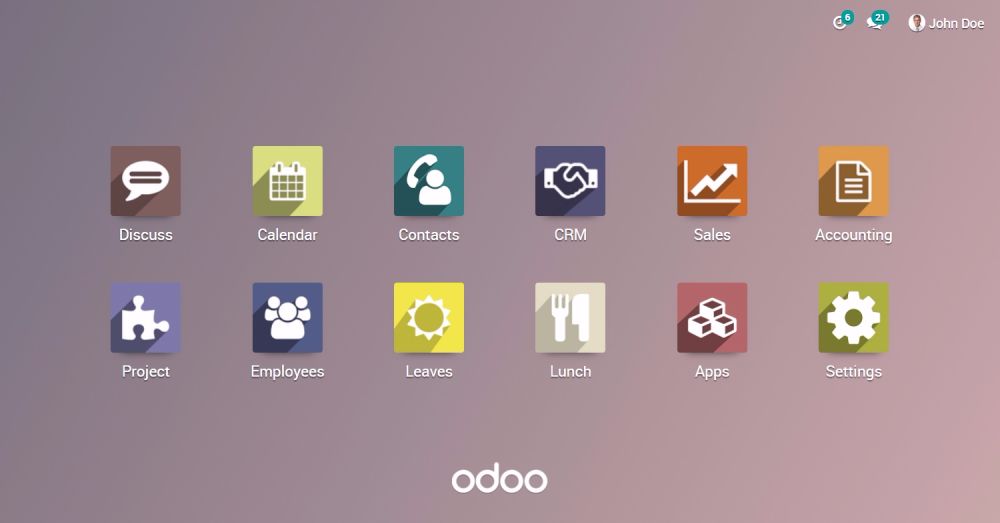
Odoo runs your business. Stockpilot connects it to the channels.
Odoo handles your products, stock, orders and invoicing, and it does that well. It connects to a few channels itself. What it is not built for is the wider marketplace world, where every channel has its own rules, its own return flow and its own demands on your stock. That part is ours. We speak the language of every channel you sell on, translate it into sales orders Odoo understands, and keep your stock linked the way each marketplace expects. Two systems, one flow.
Can't find the integration you're looking for?
Odoo integration for your webshop and marketplaces
An Odoo integration through Stockpilot pulls every order from Amazon, bol, Kaufland, Zalando or your own webshop and creates it in Odoo as a sales order, with the customer and the linked products. You invoice in Odoo the way you already do; Stockpilot handles orders and stock towards your channels. Stock flows both ways: a change in Odoo reaches every channel in real time, and a marketplace sale is booked in Odoo. Working with several warehouses, they all stay in sync. High order volumes run through Odoo's job queue, so Odoo stays fast.
Odoo Amazon FBA integration
Selling on amazon.de, amazon.fr or amazon.com with FBA? You decide whether FBA orders go to Odoo as sales orders, or only the orders you ship yourself (FBM). Stock in Amazon's fulfilment centres is tracked as a separate warehouse in Odoo, so your Odoo stock reflects what is at Amazon. One inventory shared across the Amazon marketplaces, every order booked in Odoo on the right country. See the Amazon integration.
Odoo order import from bol, Conrad and other marketplaces
Orders from bol.com, Conrad Marketplace, Kaufland, Zalando and 100+ other channels arrive in Odoo as sales orders through the same connection, and the Odoo stock goes back to each channel. No separate connector per marketplace.
Odoo integration for wholesale and B2B
Selling to business customers, each customer becomes its own contact in Odoo with VAT number, so invoicing and receivables stay correct in Odoo. You link your channels to the Odoo warehouses you choose, and invoicing stays in Odoo. Odoo is your ERP; Stockpilot is the layer to your sales channels.
Odoo and your webshop: Shopify, WooCommerce, Magento
Orders from Shopify, WooCommerce, Magento and other webshop platforms reach Odoo through the same connection, without a plugin in your shop. One inventory in Odoo, every channel in sync.
Which Odoo versions are supported?
Odoo 16, 17, 18 and 19, on Odoo.sh or on your own server (on-premise). The integration works through the Stockpilot module for Odoo: a standalone module that changes nothing in your database, so migrating to a newer Odoo version is no problem.
How to set up the Odoo integration
Install the Stockpilot module in Odoo, enter your Stockpilot API details and choose your warehouse, the stock field, the carrier, and whether orders are confirmed automatically or stay as quotations first. The module exports your Odoo products to Stockpilot, where you link them to your channels. From then on orders arrive in Odoo's standard flow and tracking information goes back from Odoo to the marketplace automatically. No consultant, no project plan; need help, we walk through it together.
What does an Odoo integration cost?
The Odoo integration is included in every Stockpilot plan, from EUR 79 per month. Starter: 500 orders, 1 user, 3 connections; Growth: 2,000 orders, 3 users, unlimited connections. No fee per connection. See the pricing or book a demo on your own Odoo installation.